

Restore Old Photos Free — AI Face Repair Tool
Restore old, blurry, or damaged family photos. Our AI reconstructs facial features with high fidelity.
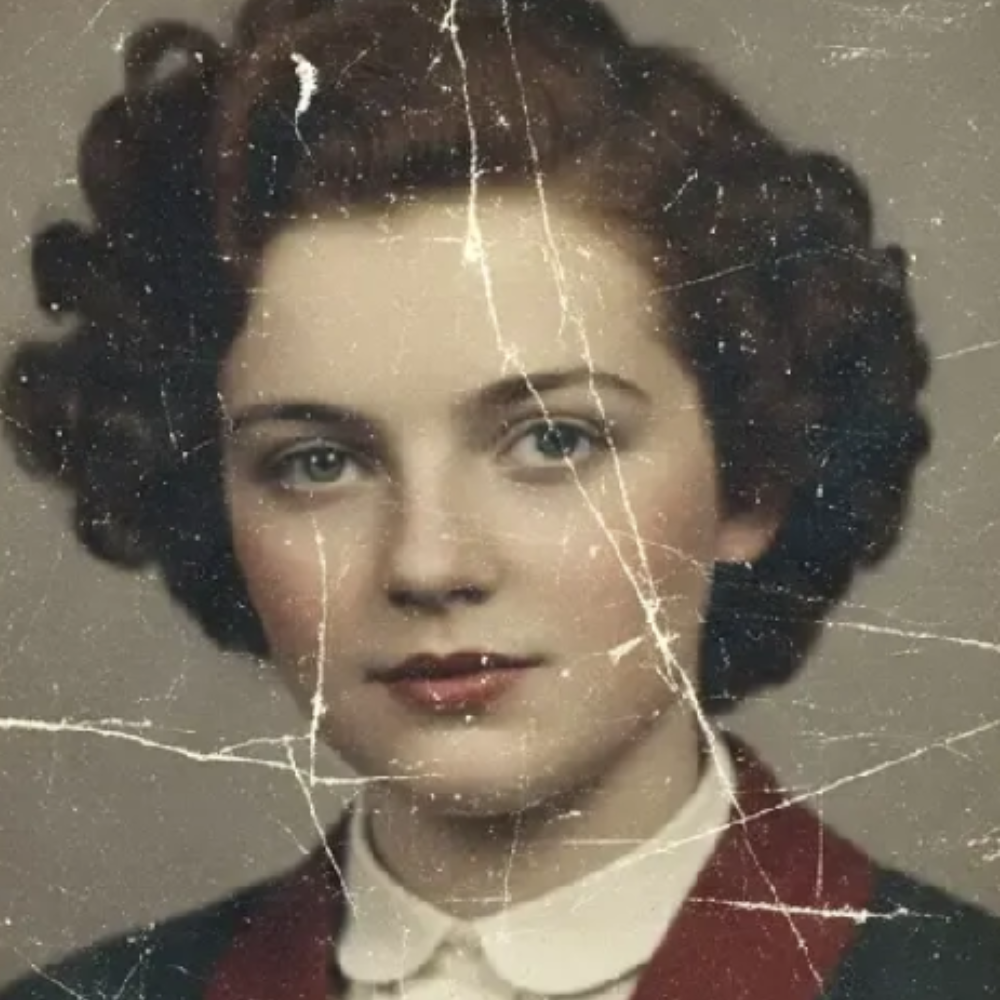

Tip: smooth out old photos and sharpen faces instantly.
Upload or Drag & Drop
Works best on photos with faces. JPG, PNG or WEBP up to 5MB
No image? Try one of these:
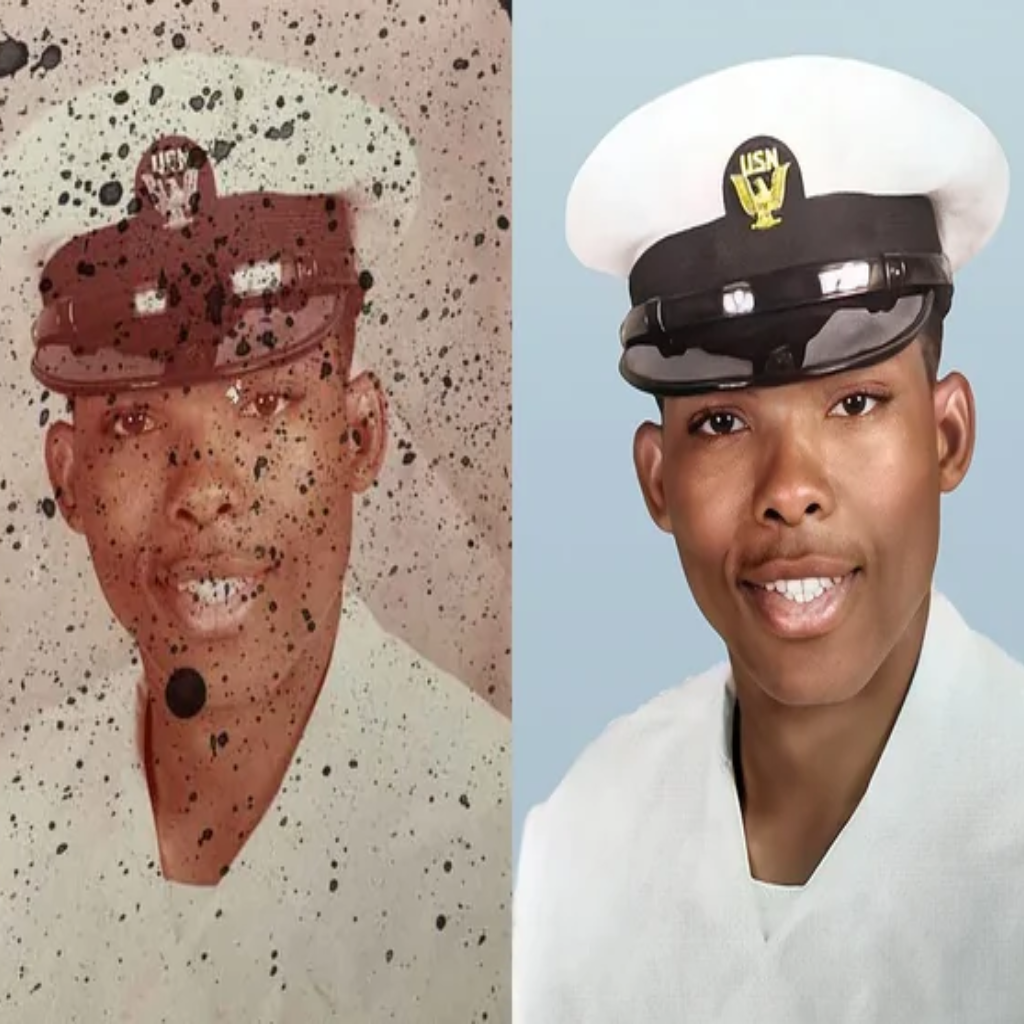
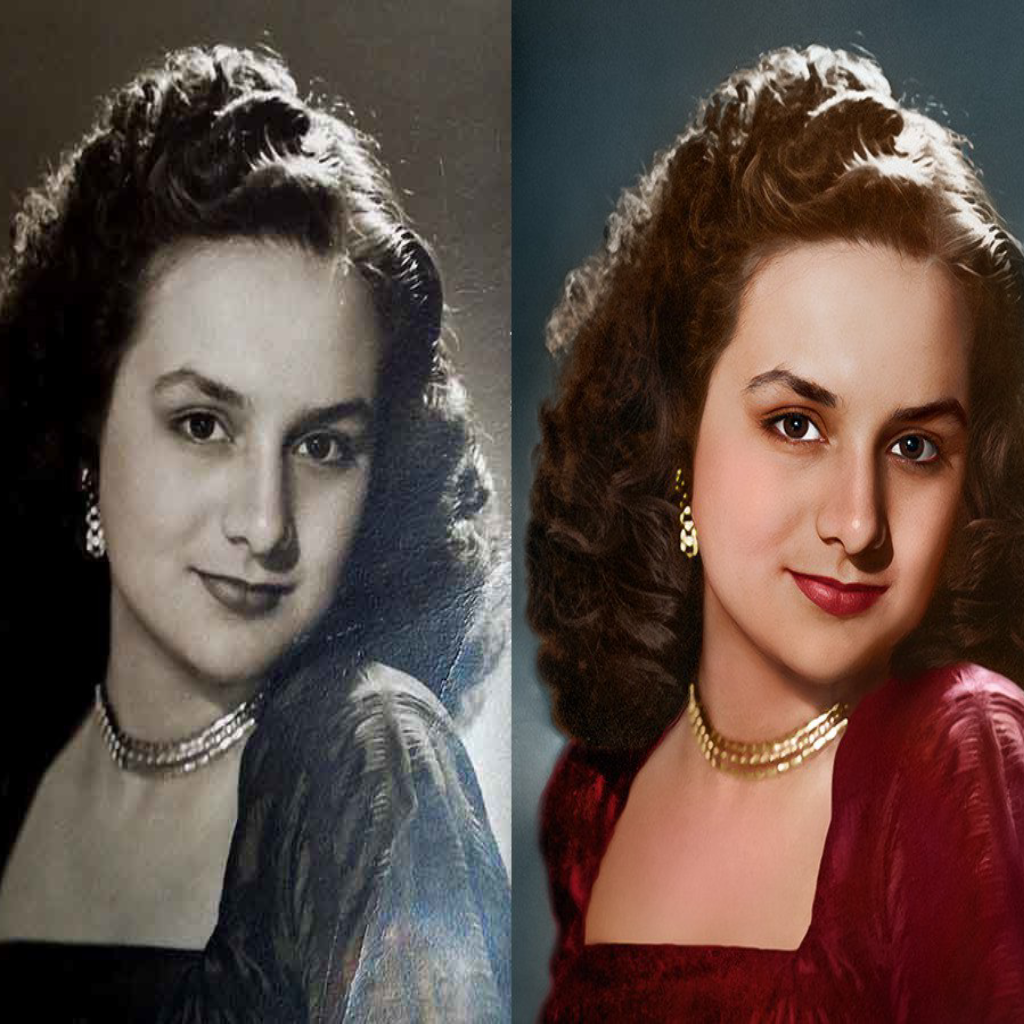
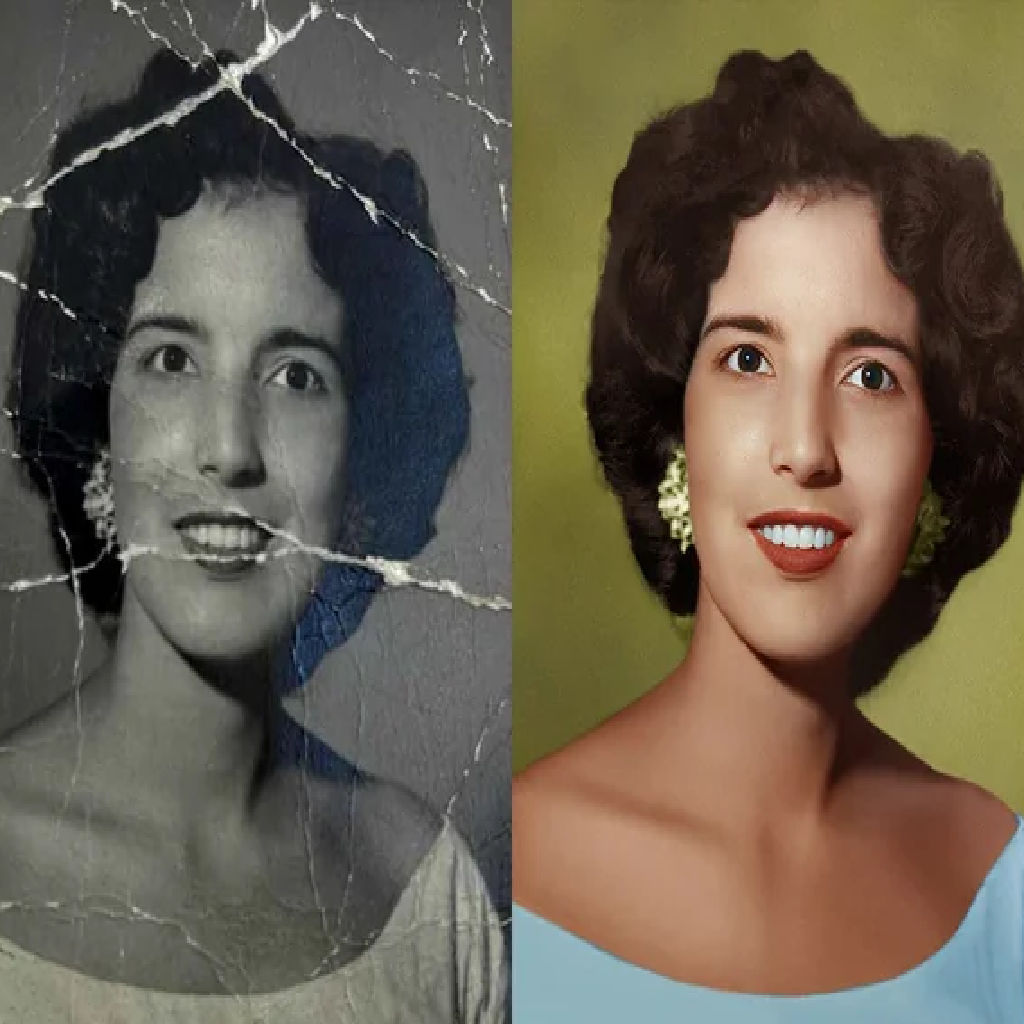
Recent Restorations
Restoration Examples
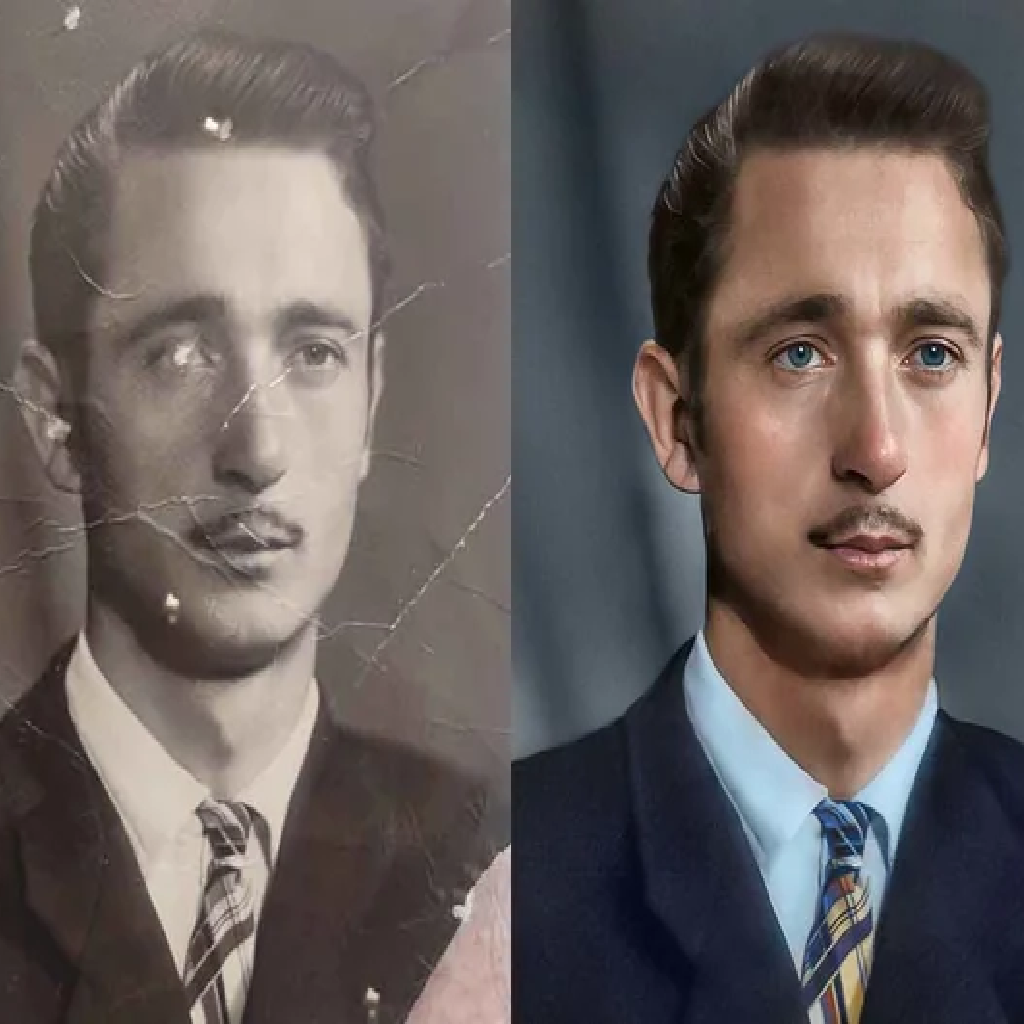
Preserve Your History
Intelligent facial reconstruction for every generation.
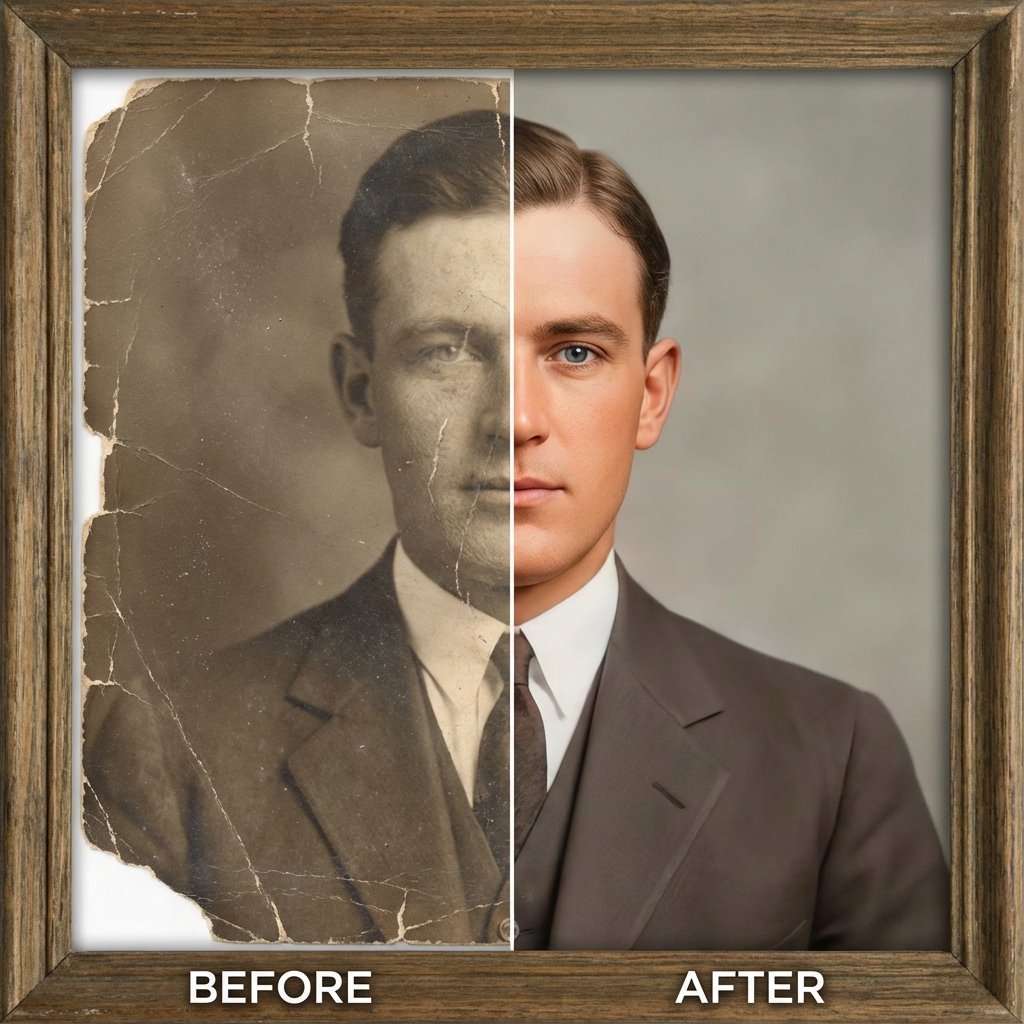
Repair Physical Damage
Scans of old photos often reveal cracks, tears, and fading. Our restoration model identifies these physical defects and inpaints them seamlessly.
- Auto-colorize sepia tones
- Remove scratches and creases
- Sharpen facial landmarks
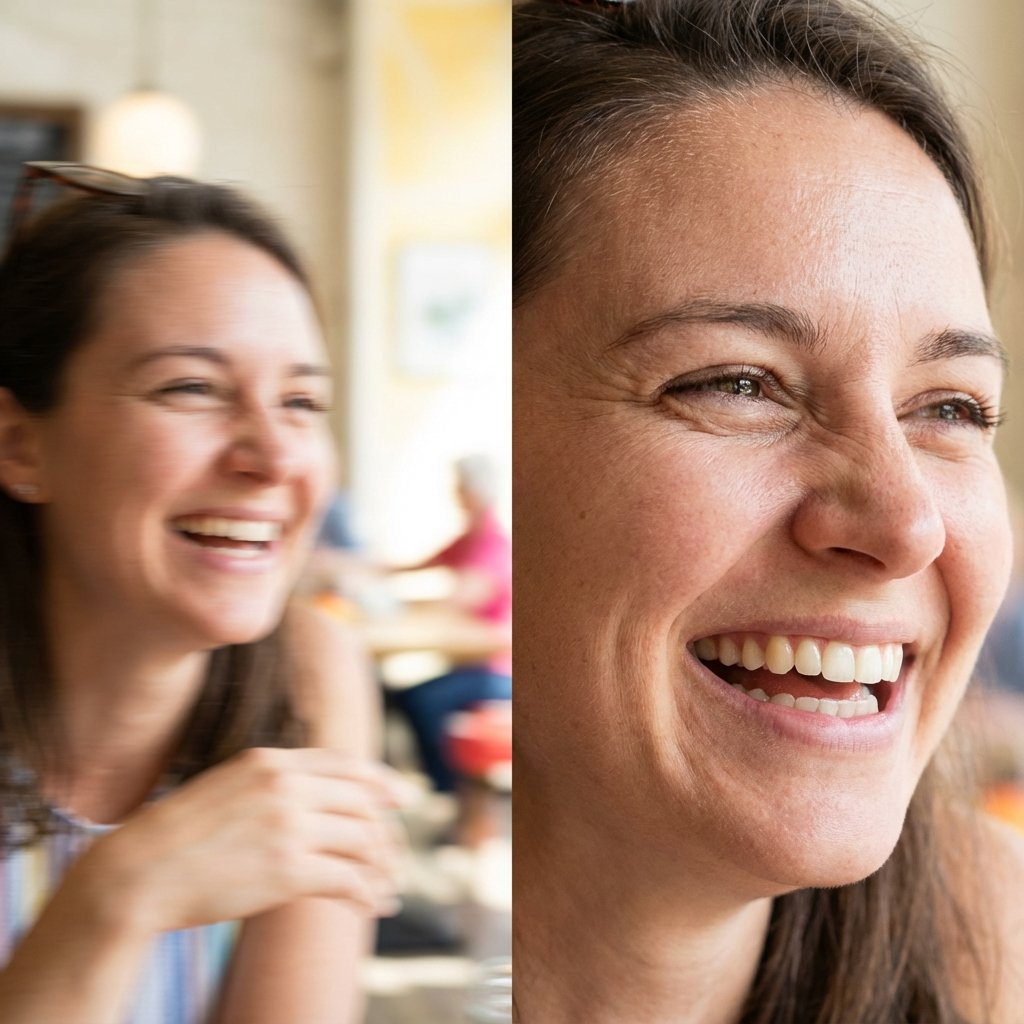
Save the Perfect Moment
Great expressions often happen when the camera isn't ready. Fix motion blur and slight out-of-focus issues to rescue candid shots.
The AI rebuilds eye details and mouth shape, making it look like you nailed the focus originally.
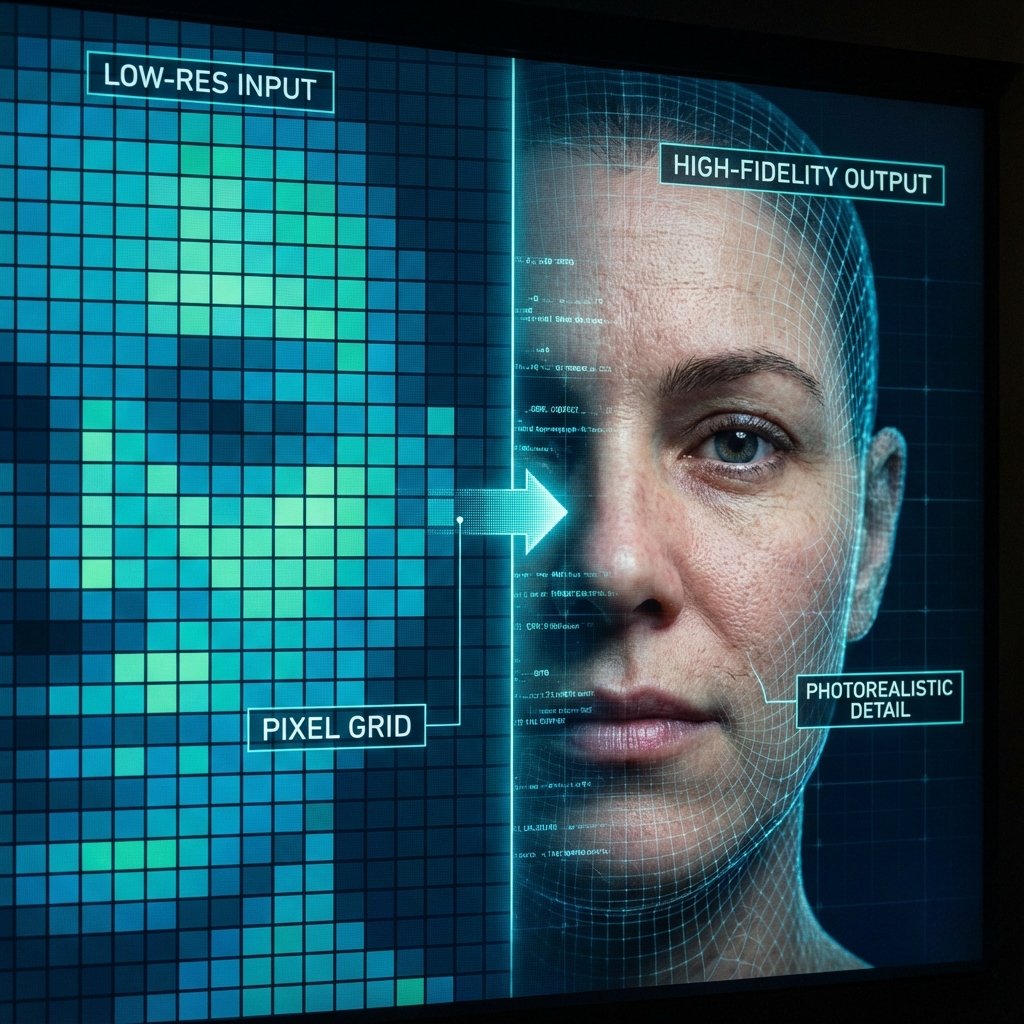
Recover True Identity
Unlike simple sharpeners that create artifacts, our generative model references millions of high-res faces to hallucinate realistic skin pores and iris details.
- Upscale tiny profile pics
- Natural-looking results
- No "uncanny valley" effect
Best Use Cases
Bring back facial detail and clear up vintage scan grain.
Improve face sharpness for professional social profiles.
Reduce softness and out-of-focus blur without over-processing.
Make faces and details clearer in small screenshots.
How Face Restoration Works
The tool analyzes the portrait area and attempts to rebuild clearer facial features while keeping the photo natural. Instead of simply sharpening (which can create halos and artifacts), AI restoration enhances edges and textures in a more intelligent way.
Upload Photo
Choose a photo with one or more faces. JPG, PNG, and WEBP supported.
AI Reconstruction
The AI maps facial landmarks (eyes, nose, mouth) and rebuilds them using a high-fidelity model.
Download Result
See the face sharpen instantly. Download the restored version to keep or print.
Try other tools
More ways to improve your photos.
 Continue with Google